Five shell one-liners I actually use, not the ones that show up in every 'top 10' list
Published by RodHat · Updated
Every “shell one-liners” list on the internet has the same six entries, half of which nobody’s
actually run since 2011 (awk '{print $1}' access.log | sort | uniq -c, cool, thanks, groundbreaking).
Here’s what’s actually in my history, verified by grepping my own .zhistory before writing this,
because I’m not interested in handing you decoration.
1. What’s actually holding a port open, PID and all
ss -ltnp 'sport = :8080'netstat still works but it’s been deprecated upstream on Linux for years and the maintainers
aren’t lying about it being slower on boxes with a lot of sockets. ss reads straight from the
kernel’s netlink interface instead of walking /proc/net/tcp line by line. On a box with a few
thousand open connections the difference is not subtle.
2. Find what’s actually eating RSS, sorted, without wading through top
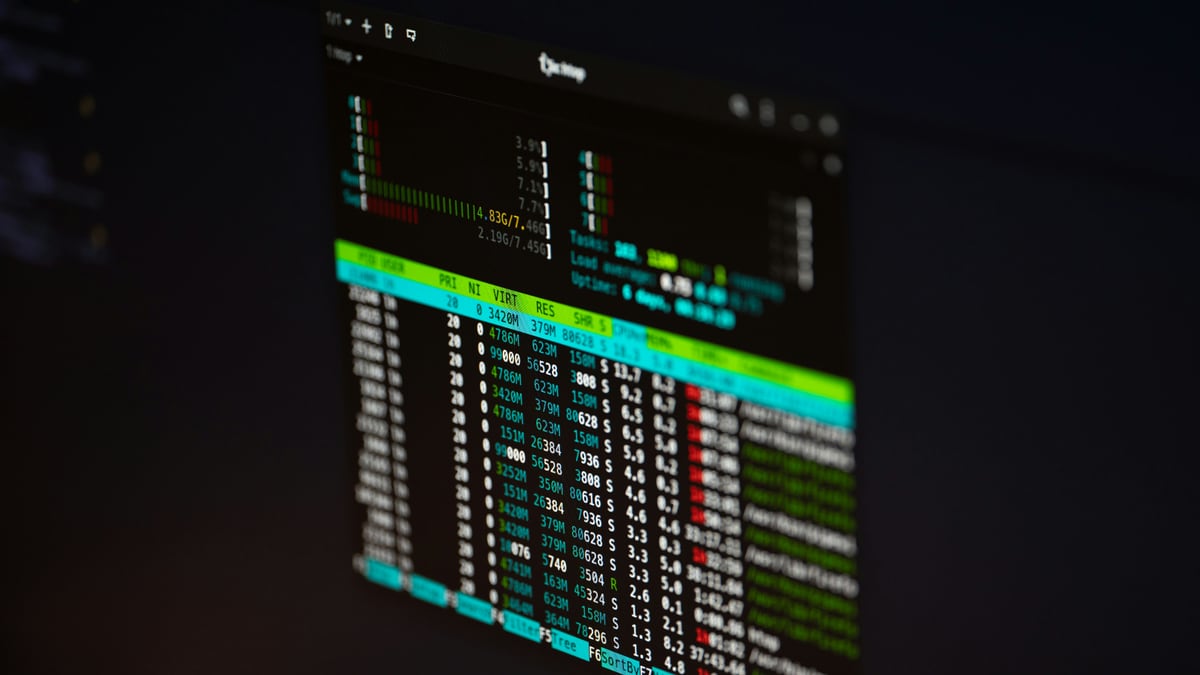
ps -eo pid,rss,comm --sort=-rss | head -20top is fine interactively but useless in a script or a bug report you’re pasting to someone.
This gives you a clean, sortable, copy-pasteable snapshot. RSS is resident set size in KB; it’s
not a perfect memory metric (shared pages get double-counted across processes) but it’s the fastest
honest first pass before you reach for something like smem to account for sharing properly.
3. What changed in a config file since the last known-good deploy, ignoring comments and whitespace noise
diff -bB <(git show last-good:etc/app.conf) etc/app.conf-b ignores whitespace changes, -B ignores blank-line-only changes. Half the time a config diff
looks scary because someone’s editor reindented the file; this cuts straight to the lines that
actually matter. Swap last-good for whatever ref you tag your known-good deploys with; if you’re
not tagging known-good deploys, that’s a separate conversation we should have.
4. Tail multiple log files with the filename prefixed on every line, without installing anything
tail -F /var/log/app/*.log | awk '/^==> / {f=$2; next} {print f": "$0}'FILENAME in awk is empty when reading from a pipe, and the pattern that’s been floating around
forever with {print FILENAME": "$0} is broken and prints nothing useful. tail -F on multiple
files emits ==> filename <== headers when it switches; the awk above parses those headers and
prefixes each log line with the right file. multitail is nicer if you have it installed, but
this runs on anything with a tail that follows multiple files, which covers every Linux box
you’ll ever SSH into at 2am in a panic.
5. Find the process actually responsible for a file being held open (the “device busy” unmount rescue)
fuser -vm /mnt/whateverOr on Linux without fuser handy:
lsof +D /mnt/whateverHalf the “device is busy” panic I’ve watched people have over the years resolves in ten seconds once you know which command actually tells you who’s holding the handle, instead of guessing and restarting services one at a time hoping you get lucky.
None of these are clever. That’s the point: cleverness is for the one-off script you write once and never look at again. These are boring, and they’re boring because I’ve run them a thousand times and they’ve never once been wrong about what they told me. That’s a higher bar than “clever” and it’s the only bar that matters at 2am.
When one-liners aren’t enough, the next step up is usually dtrace or bpftrace: same “I need to know what the kernel is actually doing right now” energy, more precision.
If none of this is muscle memory yet, stop reading blog posts about it and go read Learning the bash Shell and sed & awk cover to cover. Both are older than most of the engineers I work with and both are still the fastest path from “I typed this once and it worked” to “I understand why it worked.”